Why You Need to Install iOS 18.6: Focus on Stability and Security
Muhe - Tuesday, 12 August 2025 | 11:55 AM (WIB)
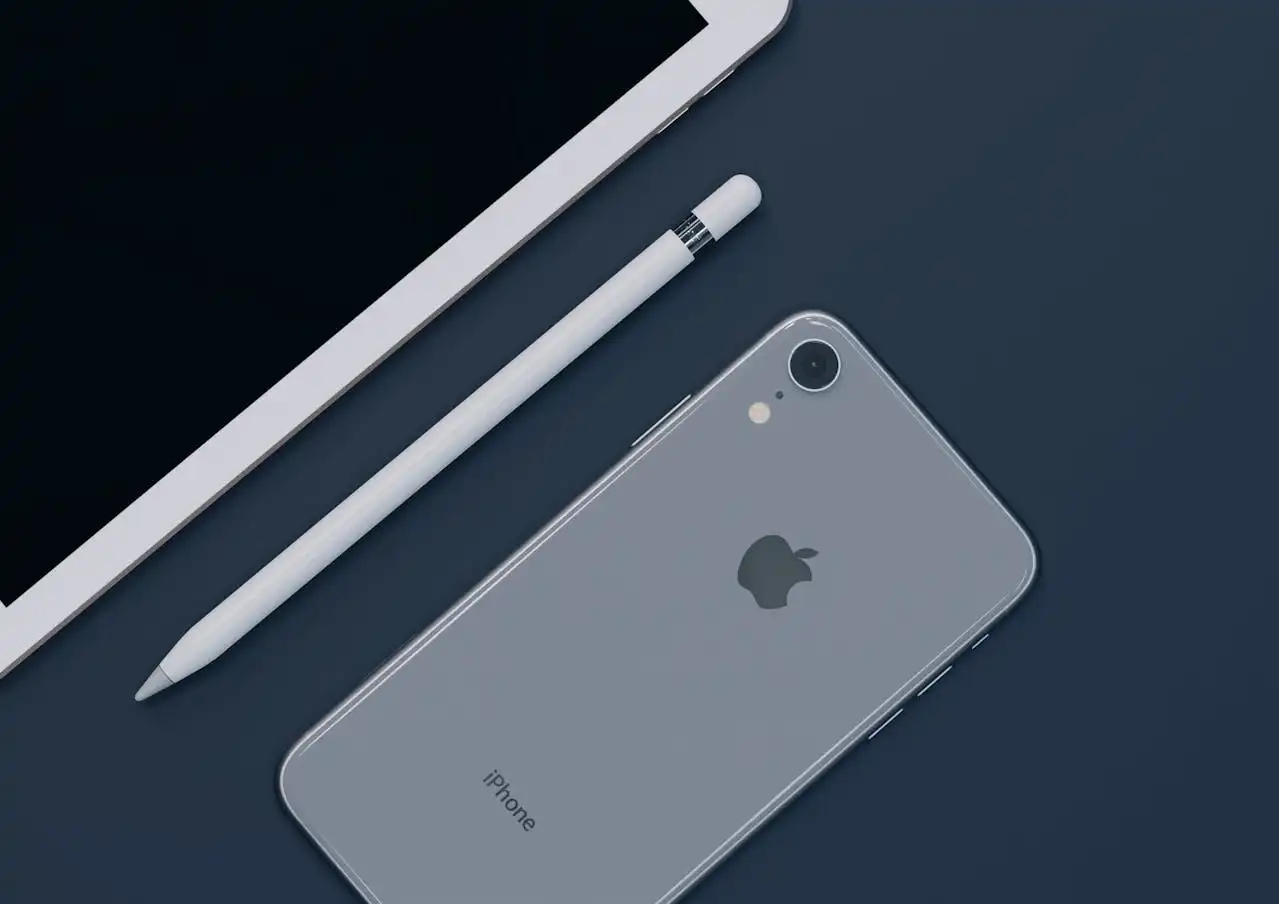
Bug Fixes and System Stability Improvements
The main purpose of iOS 18.6 consists of resolving bugs which emerged following the initial iOS 18 launch. Apple's development team worked to resolve various minor issues which negatively affect normal user activities.
The update brings substantial enhancements to the system's overall stability. Users who faced minor problems with app crashes and Bluetooth connection troubles or interface problems will discover that these issues are now resolved. The operating system delivers enhanced reliability and improved smoothness particularly during multitasking operations and when executing heavy-duty applications.
Critical Security Improvements
The immediate installation of iOS 18.6 becomes essential because it delivers essential security patches. Apple continuously develops solutions to fix discovered security weaknesses which safeguard user information from impending cyber risks.
This update addresses security holes that enable attackers to gain access to systems. Your device will become more susceptible to attacks if you do not update to the latest version. The installation of iOS 18.6 stands as a crucial preventive action to safeguard your personal information.
Performance and Battery Efficiency Improvements
Minor updates deliver performance optimizations which serve as their secondary objective. The performance of older iPhones becomes better when users experience faster app startup times together with enhanced animation smoothness.
Apple development team frequently utilizes these updates for resolving battery efficiency problems. The previous user reports about battery life reduction after updates led to iOS 18.6 including fixes that restore optimal battery life.
How to Update to iOS 18.6
The update process requires these simple steps for your device:
- Your iPhone requires access to Settings for the first step.
- Your next step is to choose General.
- Your iPhone will evaluate available updates when you tap Software Update.
- Your iPhone will search for available updates.
- The iOS 18.6 update will appear for you to Download and Install.
The update brings no visible changes to iOS 18.6 but it establishes vital foundations for an iPhone experience that will be safer and more stable. We suggest updating your device immediately to receive optimal protection and performance levels.***

Your Weekend Won't Recharge Itself: A Guide to Crushing the Energy Reset
a year ago

The Hidden Horrors of Tear Gas: More Than Just a Fleeting Sting
a year ago

1312: The Meaning, Origin, and Social Context of the Notorious Number
a year ago

The Digital Tightrope: How Social Media Puts a "Double Burden" on Today's Teens
a year ago
Say Goodbye to Awkward Texts: WhatsApp Unveils Your New AI Writing Coach
a year ago

The Secret Weapon of Penguins: Why Their Poop is More Impressive Than You Think
a year ago

NVIDIA Crushes New Record, Yet Market Concerns Still Exist Over "AI Bubble"
a year ago

Your Cosmic DNA? Unpacking How Zodiac Signs Shape Who We Are
a year ago

The Siren Song of Easy Money: Why We Can't Resist
a year ago

Unplug and Recharge: Your Guide to Escaping the Gadget Grip
a year ago